Getting Started
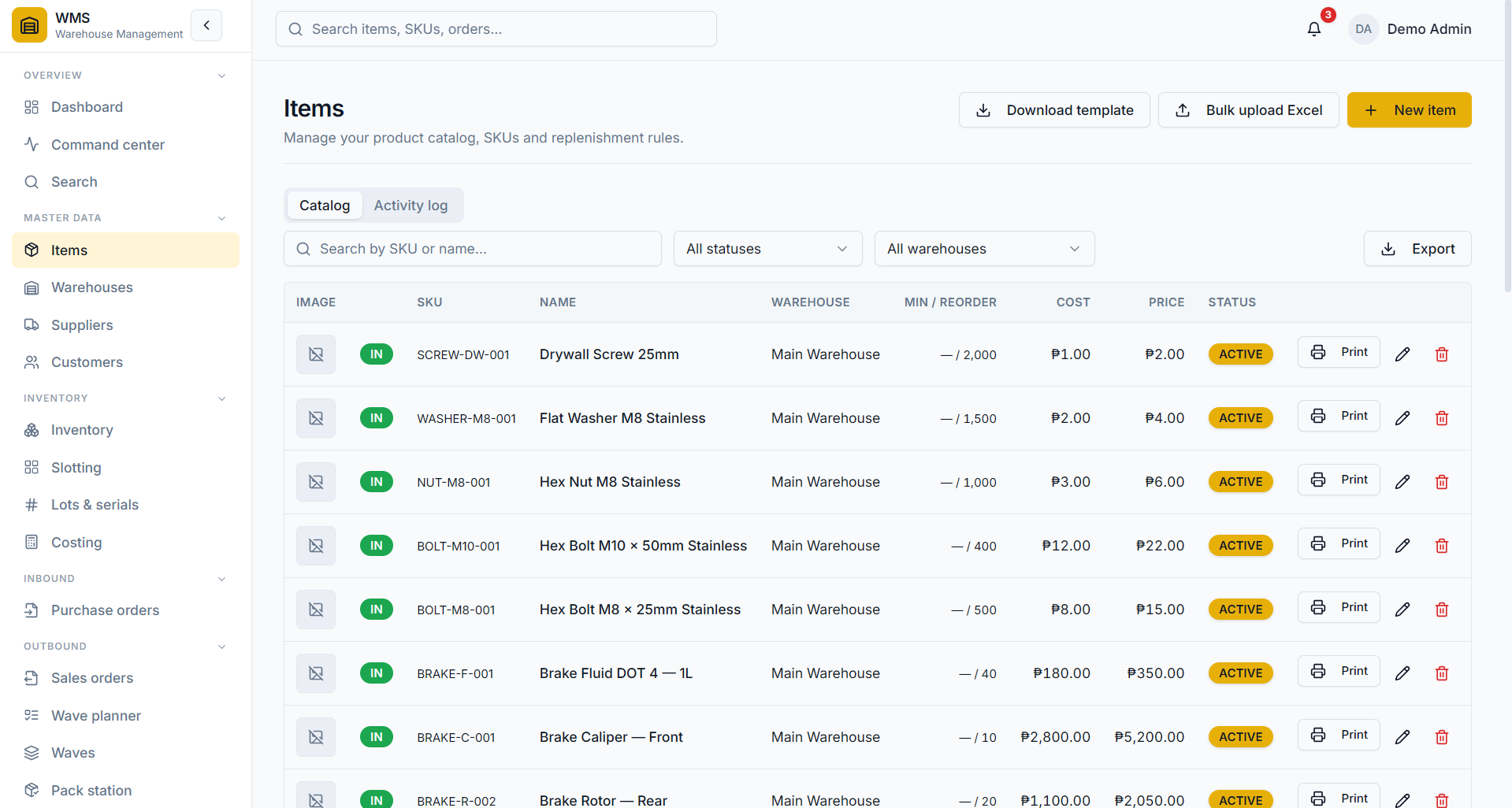
Add products or assets to your catalog one at a time, or import them in bulk from an Excel sheet. QR codes and printable barcodes are generated for you automatically.
ItemsBulk importBarcodes
One platform, two modes. Choose Inventory & Distribution to receive, ship and deliver orders, or Asset Tracking to manage the tools and equipment your team uses every day. Available on web and mobile.
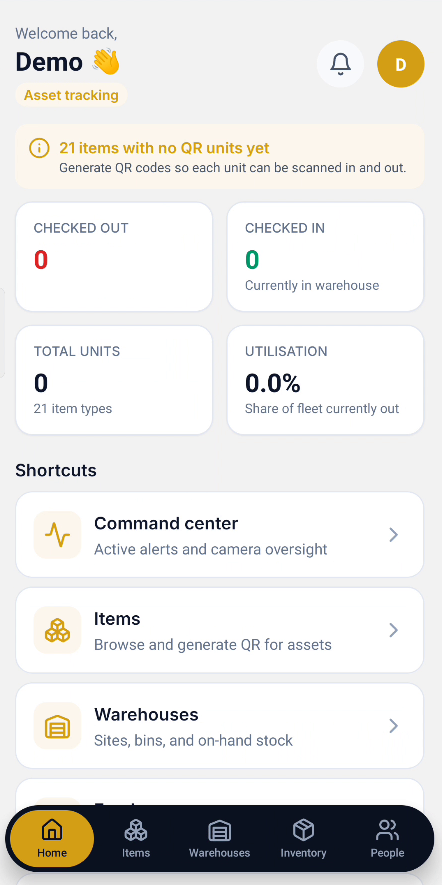
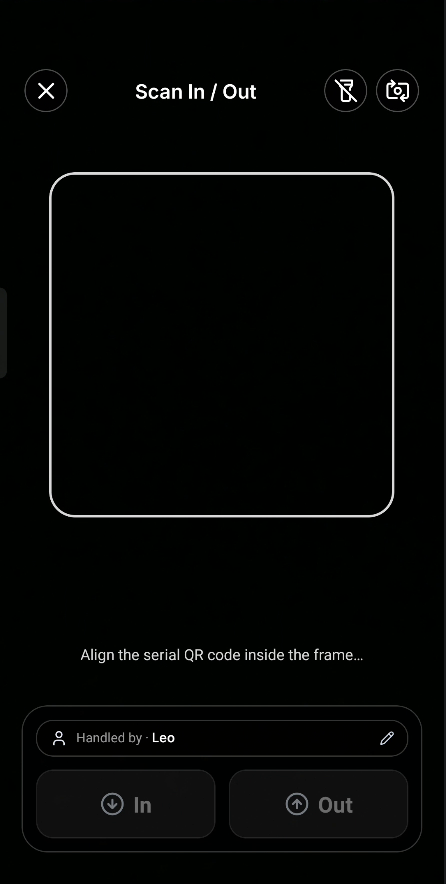
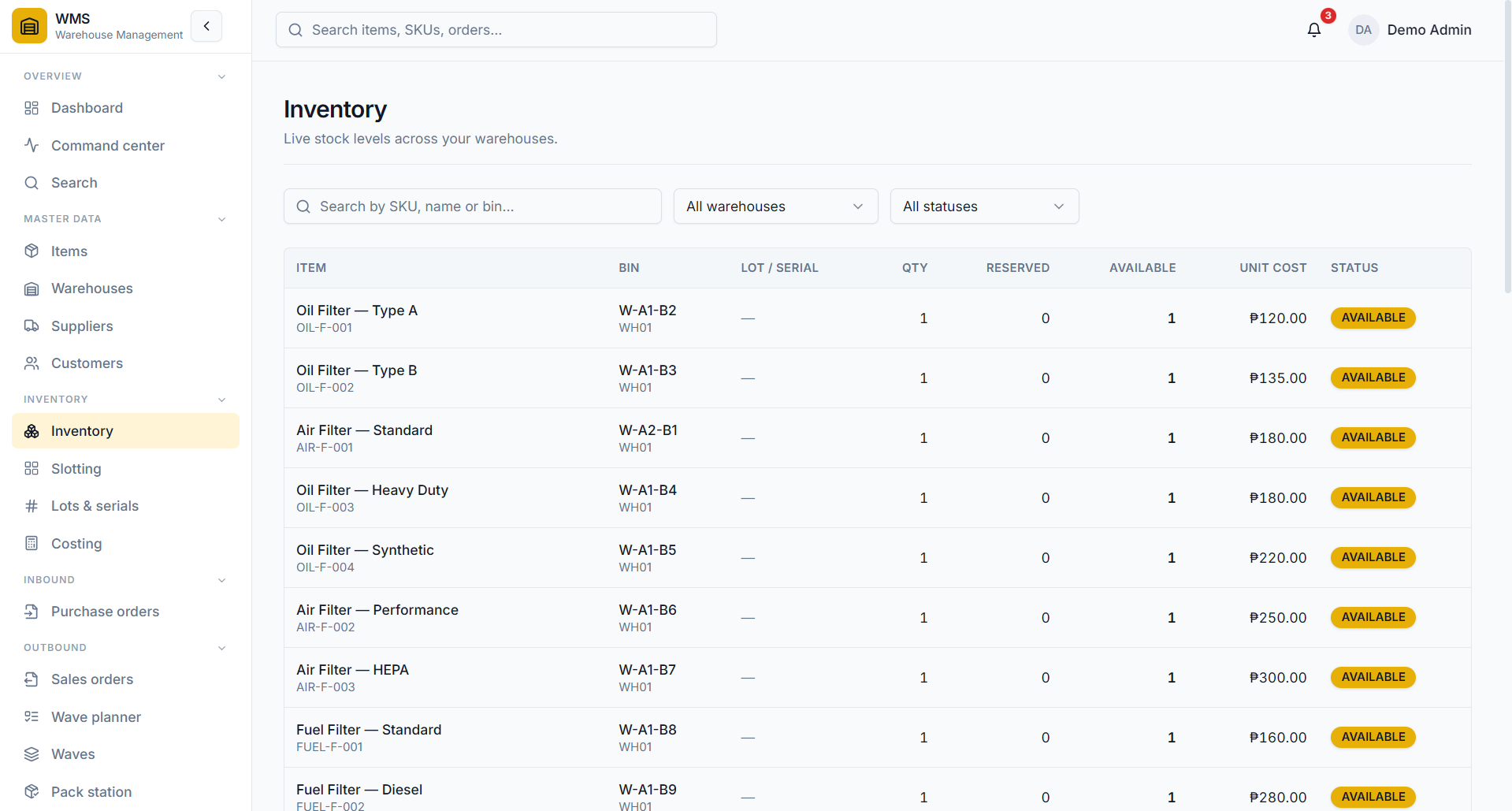
Pick Inventory & Distribution to run stock, customer orders and shipments. Pick Asset Tracking to hand out tools and equipment to your team and get them back. Same login, same data — different way of working.

A customer login, built in.
Give your buyers their own secure login to track orders, shipments and returns — no extra tools, no email back-and-forth.
What you get on day one
Your account keeps your data private and separate. Every change is recorded so you can always check who did what.
Modes available
2Apps included
Web + PhoneTeams supported
∞Setup time
2–4 wksDefine your physical network once. Both modes use the same structure — Inventory & Distribution stores stock here, Asset Tracking stores equipment and tools here.
Watch your existing cameras live, and see them lined up with what your team is doing. Actually watching the floor, not just recording it. Available on Enterprise.
The phone app changes to match your mode. Inventory teams get receive, move, returns and customer orders. Asset teams get check-in, check-out and a way to report problems. Your customers get their own login to follow their orders.
Use your phone camera to scan barcodes and QR codes — anywhere in the app that needs it.
Your customers get their own login to see their orders, shipments and returns.
The screens each person sees match their job and the mode you picked.
You pick when you set up your account. The menu, phone app and dashboard all adjust — your team only sees the screens they actually use.
For teams that move products through warehouses out to customers. A simple flow with everything your team needs, step by step.
For teams that hand out tools, equipment or other items to people. See who has what, when it is due back, and what got reported as broken or lost.
Watch these short guides to get comfortable with each module. No prior experience required.
Add products or assets to your catalog one at a time, or import them in bulk from an Excel sheet. QR codes and printable barcodes are generated for you automatically.
Create a warehouse and prepare it for inventory, locations, employees, and day-to-day stock operations.
Add a storage location inside a warehouse so stock can be organised, found, and moved accurately.
Add an employee to your inventory workspace and make them available for warehouse operations.
Create inventory items with the details your team needs before placing them into a warehouse.
Place items into a warehouse and assign their storage location so on-hand quantities remain accurate.
Move stock from one warehouse location to another while keeping each location balance up to date.
Send inventory to another warehouse, track the transfer, and complete it when the stock arrives.
Add a customer record so their details are ready when your team creates and manages orders.
Create a customer account and connect it to the ordering workflow for easier account management.
Build and place a customer order using the saved customer and inventory information in your workspace.
Review customer orders and keep each order moving through the correct stage of its workflow.
Add employees to the asset-tracking module so equipment can be assigned to the right person.
Add trackable items and prepare them for employee assignments and warehouse transfers.
Use the quick workflow to add warehouse staff and get them ready for asset operations.
Follow the complete setup flow for adding warehouse staff and configuring their asset responsibilities.
See how warehouse staff transfer tracked items to another warehouse and follow the handoff through completion.
Transparent pricing that scales with your operation. Upgrade or change plans whenever you need to.
Start using KuwaLog today. No credit card, no time limit.
Where most growing teams land. Built for scale, with the customer portal included.
For multi-warehouse operations that need live camera oversight and dedicated support.
Built to be trusted
Still have questions? Our team gets back to you within 4 hours.
Tell us about your warehouse and what you'd like to do. We'll get back to you by email, or set up a short call if it's easier to walk through together.
Try it free for 30 days. Pick a mode during setup — you can change it later if the way you work changes.